
html_highlighter on the web: React and Next.js
Highlight a line in the app, open the same page on the website, and the highlight is there too. That's what the web module of our Flutter highlighting package is for.
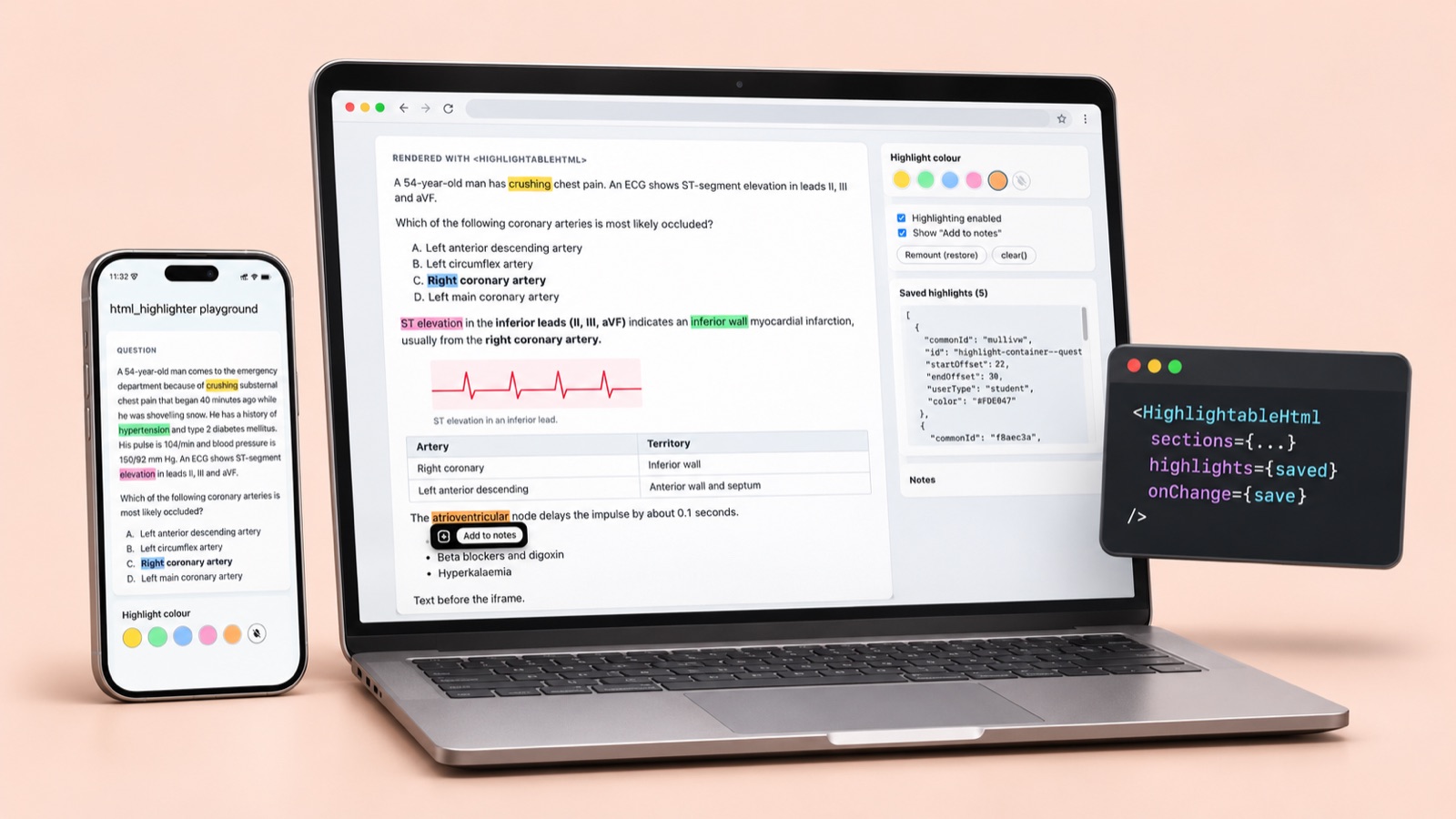
html_highlighter highlights HTML inside a WebView on Android, iOS and macOS. Many of the same pages also live on a website, so the package ships a companion web module, html-highlighter-web. It has the same features and saves the same JSON, so a highlight made in the app shows on the site and back.
What it looks like
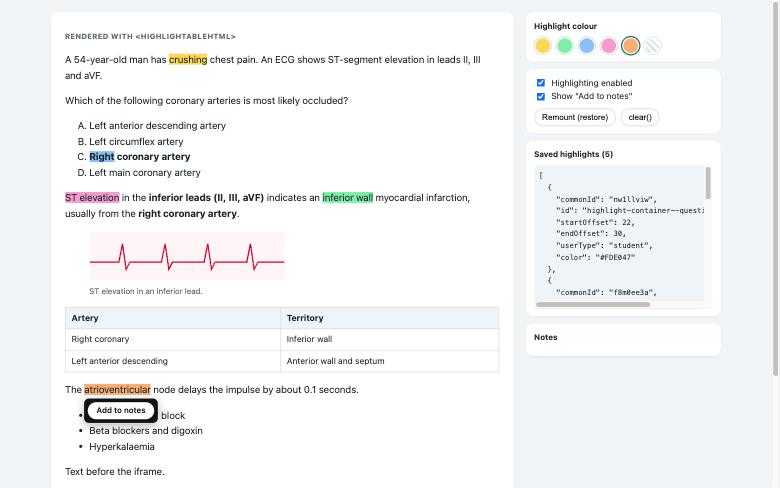
Select text to highlight it, in any colour. With a mouse, hover a highlight for "Add to notes" and click it to remove it; on a phone, tap it for the popup and hold to remove. Here is the React demo with five highlights, the saved JSON and the popup:
Why not reuse the app's script?
The Flutter package runs its engine inside a WebView. It wires itself up on DOMContentLoaded, keeps its state in page-wide globals, talks to Flutter through channels, and can't be torn down. That's fine for one page in a WebView and fatal in React, where components mount, unmount and, in StrictMode, mount twice.
So web/highlighter.js is a fresh, framework-free ES module. Each call to createHighlighter(element) owns one element: its listeners, its popup, its highlights. destroy() takes all of it back out, unwrapping every highlight.
One format, both sides
Saved highlights store character offsets into a block's text. The web module counts text exactly the way the app's engine does, and a test proves it: it loads the playground's own HTML, restores offsets the Flutter app saved, and checks they land on the same word. Then it highlights that word on the web and checks it gets the same offsets back.
{
  "commonId": "3afo80ck",
  "id": "highlight-container--question-demo-q1",
  "startOffset": 63,
  "endOffset": 71,
  "userType": "student",
  "color": "#FDE047"
}
Install
The web module is on npm:
npm install html-highlighter-webPrefer a single file? Copy highlighter.js and Highlighter.css into your project and import them directly.
Next.js
Import the styles once, in the root layout:
// app/layout.tsx
import "html-highlighter-web/Highlighter.css";
Then render highlightable sections from a client component, which owns the state and callbacks:
"use client";
import { HighlightableHtml } from "html-highlighter-web/react";

export function Lesson({ question, saved, save }) {
  return (
    <HighlightableHtml
      sections={[
        { type: "question", id: question.id, html: question.html },
        { type: "explanation", id: question.id, html: question.explanation },
      ]}
      highlights={saved}
      onChange={save}
      onAddToNote={(note) => addNote(note.cleanHtml)}
      color="#86EFAC"
      enabled
      showAddToNote
      injectStyles={false}
    />
  );
}
We tested it in a real Next.js 16 App Router app, installed as a packed package, the same files npm now serves:
react.jsstarts with"use client", so a Server Component can renderHighlightableHtmldirectly; callbacks live in a client component.- Nothing touches
windowon import; a test renders the component withrenderToStringand no DOM at all. - Containers are rendered with
dangerouslySetInnerHTML, so React never touches what's inside them and highlights survive re-renders. Becausedestroy()unwraps, StrictMode's double mount draws each highlight once. - Load saved highlights after mount:
localStoragedoesn't exist on the server. - Production builds pass with Turbopack and webpack, with no hydration warnings.
One thing bit us in the example app: Next.js picked the library's folder as the workspace root, because it has its own lockfile, and the build failed with "Element type is invalid". Pinning turbopack.root in next.config.mjs fixed it.
Plain JavaScript
No React? The module works on any element:
import { createHighlighter, highlightContainer } from "html-highlighter-web";
import "html-highlighter-web/Highlighter.css";

page.innerHTML = highlightContainer({ type: "article", id: "intro", html });
const hl = createHighlighter(page, {
  highlights: saved,
  color: "#86EFAC",
  injectStyles: false,
  onChange: (models) => save(models),
  onAddToNote: (note) => addNote(note.cleanHtml),
});
Made for a mouse, and for touch
- Mouse: hovering a highlight opens its popup, and a click removes it. A click that ends a text selection never removes anything.
- Touch: touch has no hover, so a tap opens the popup and press-and-hold removes.
- Android Chrome: a long-press that selects text ends with
touchcancel, nottouchend. The module treats it as the end of the touch when a new selection formed during it, the same fix as the Flutter package. - Embedded media: if an iframe or video sits right under a highlight, the popup opens above it, so "Add to notes" is never hidden.
Conclusion
One saved format, two front ends. The Flutter package covers Android, iOS and macOS apps; the web module covers plain pages, React and Next.js, with the same features and 36 tests of its own. Save the JSON once and every highlight shows up wherever your reader opens the content next.
Building an app? Read html_highlighter: highlighting HTML in Flutter on Android, iOS and macOS for set-up on each platform and what testing on real phones and tablets taught us.