
When building search functionality for your application, you’ll likely start with PostgreSQL’s ILIKE operator. While reliable and straightforward, it quickly becomes apparent that exact string matching falls short of user expectations. Consider this scenario: a user searches for “black dress” but your database contains “black beautiful dress.” The ILIKE operator will miss this match entirely, leading to frustrated users and missed opportunities.
In this comprehensive guide, we’ll explore advanced PostgreSQL search techniques that deliver the intelligent, flexible search experience your users expect.
The Limitations of Basic Pattern Matching
The ILIKE operator works well for exact substring matches:
SELECT * FROM products WHERE title ILIKE '%black dress%';
However, this approach fails when:
- Word order differs (“black beautiful dress” vs “beautiful black dress”)
- There are variations in spacing or punctuation
- Users employ synonyms or related terms
- You need to search across multiple columns with different priorities
Introduction to Trigram Search
Trigram search addresses word order issues by analysing string similarity rather than exact matches. A trigram is a sequence of three consecutive characters, and PostgreSQL’s pg_trgm extension uses these to calculate similarity scores between strings.
How Trigrams Work
Let’s examine how trigrams compare “search” and “research”:
“search” generates: sea, ear, arc, rch “research” generates: res, ese, sea, ear, arc, rch
The overlap of four common trigrams (sea, ear, arc, rch) out of five total unique trigrams yields a high similarity score.
Setting Up Trigram Search
First, enable the extension:
CREATE EXTENSION IF NOT EXISTS pg_trgm;The pg_trgm module provides functions and operators for determining the similarity of alphanumeric text based on trigram matching, as well as index operator classes that support fast searching for similar strings.
Then implement similarity-based searching:
					SELECT
    title,
    similarity(title, 'black dress') as score
FROM products
WHERE similarity(title, 'black dress') > 0.2
ORDER BY score DESC;
Trigram Search Limitations
While excellent for short strings like product titles, trigram search becomes less effective with longer content. The similarity score decreases as string length increases, making it unsuitable for searching product descriptions or lengthy text fields.
Full-Text Search with tsvector
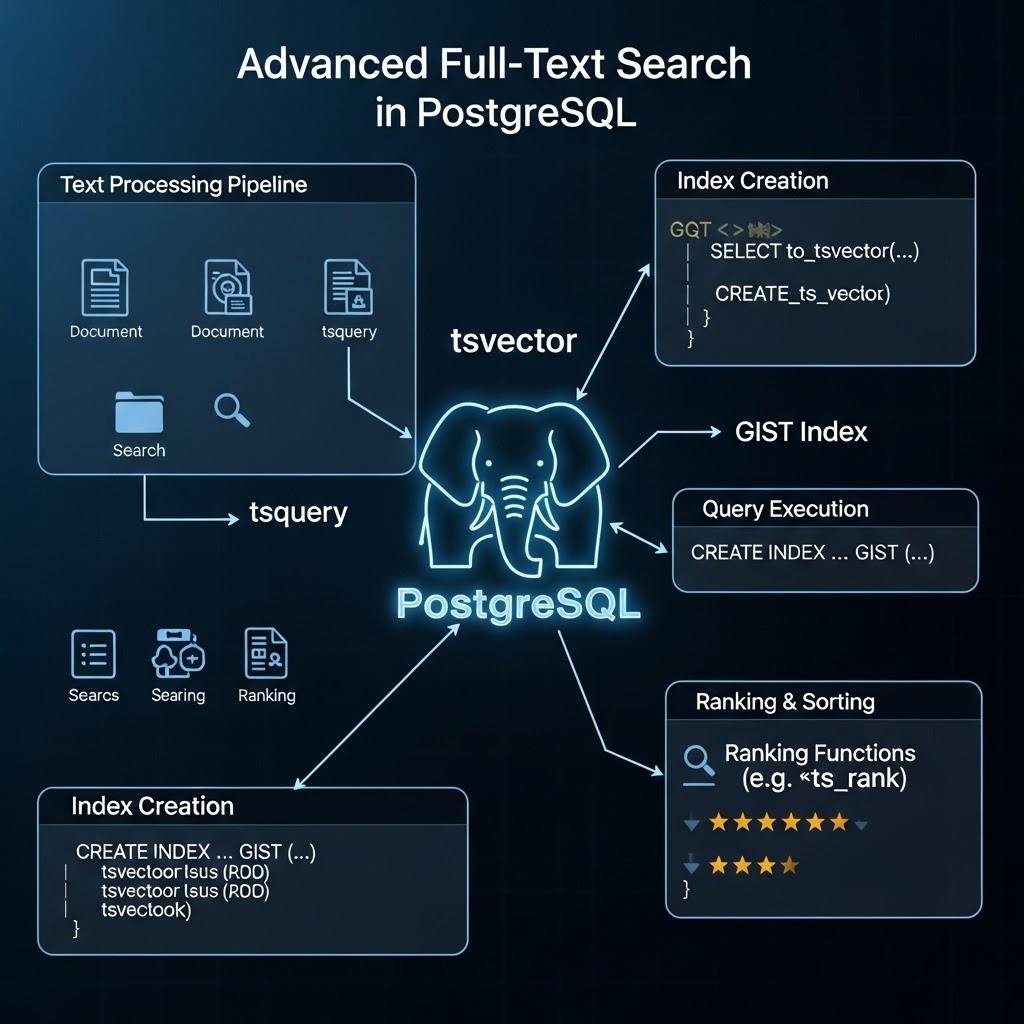
PostgreSQL’s tsvector data type is specifically designed for full-text search operations. It transforms text into a structured format optimized for search performance and relevance ranking.
Understanding tsvector
Consider this input text:
"a fat cat sat on a mat and ate a fat rat"
The tsvector representation becomes:
'ate':9 'cat':3 'fat':2,11 'mat':7 'rat':12 'sat':4
Notice how:
- Stop words (“a”, “on”, “and”) are removed
- Words are normalized to their base form (lexemes)
- Position information is preserved
- Duplicate words show multiple positions
Weighted Multi-Column Search
Real-world applications often need to search across multiple fields with different priorities. PostgreSQL’s setweight function allows you to assign importance levels:
					SELECT
    title,
    description,
    ts_rank_cd(
        setweight(to_tsvector('english', title), 'A') ||
        setweight(to_tsvector('english', description), 'B'),
        to_tsquery('english', 'black dress')
    ) as rank
FROM products
WHERE
    setweight(to_tsvector('english', title), 'A') ||
    setweight(to_tsvector('english', description), 'B')
    @@ to_tsquery('english', 'black dress')
ORDER BY rank DESC;
Weight Classifications
- ‘A’: Highest priority (typically titles)
- ‘B’: High priority (typically descriptions)
- ‘C’: Medium priority
- ‘D’: Lowest priority
Practical Example
Let’s examine how this works with real product data:
Title: “Timeless Elegant Black Dress” Description: “Step into effortless sophistication with this beautiful black dress…”
The weighted tsvector output:
‘beauti’:11B ‘black’:3A,12B ‘dress’:4A,13B ‘eleg’:2A ‘timeless’:1A ‘sophisticat’:8B…
Notice how “black” and “dress” appear in both title (A weight) and description (B weight), giving these terms higher relevance scores.
Implementation Best Practices
Handling Data Type Conversions
					SELECT * FROM products
WHERE
    setweight(to_tsvector('english', title), 'A') ||
    setweight(to_tsvector('english', description), 'B') ||
    setweight(to_tsvector('english', category::TEXT), 'C') ||
    setweight(to_tsvector('english', tags::TEXT), 'D')
    @@ to_tsquery('english', $1);
Managing NULL Values
Use COALESCE to handle NULL values gracefully:
setweight(to_tsvector('english', COALESCE(title, '')), 'A') || setweight(to_tsvector('english', COALESCE(description, '')), 'B') Query Optimization
For production applications, consider:
- Pre-computed tsvector columns: Store tsvector data in dedicated columns updated via triggers
- GIN indexes: Create indexes on tsvector columns for faster search performance
- Language-specific configurations: Use appropriate language dictionaries for better stemming and stop word handling
Combining Approaches for Optimal UX
The most effective search implementations combine both techniques:
Search Suggestions (Trigram)
Use trigram similarity for auto-complete and search suggestions:
					-- Get search suggestions from previous user queries
SELECT DISTINCT search_term
FROM user_searches
WHERE similarity(search_term, $1) > 0.3
ORDER BY similarity(search_term, $1) DESC
LIMIT 5;
Primary Search Results (tsvector)
Use full-text search for the main result set:
					SELECT *
FROM products
WHERE search_vector @@ to_tsquery('english', $1)
ORDER BY ts_rank_cd(search_vector, to_tsquery('english', $1)) DESC;
Performance Considerations
Indexing Strategy
Create appropriate indexes for your search patterns:
					-- For trigram similarity

CREATE INDEX idx_products_title_trigram ON products

USING gin (title gin_trgm_ops);

-- For full-text search

CREATE INDEX idx_products_search_vector ON products

USING gin (search_vector);
Monitoring and Tuning
Monitor query performance and adjust similarity thresholds based on:
- User behavior patterns
- Result relevance feedback
- Query response times
- Index usage statistics
Conclusion
Advanced PostgreSQL search capabilities can transform your application’s user experience. By understanding when to use trigram similarity versus full-text search, and how to combine both approaches effectively, you can build search functionality that rivals dedicated search engines for many use cases.
The key is matching the technique to the specific requirement: trigram search for flexible matching and suggestions, tsvector for comprehensive full-text search with relevance ranking. Together, they provide a robust foundation for intelligent search functionality that grows with your application’s needs.